Industries/Airports & ports
Airports & portsKeep the airside and the quay on the same watch
You already run two clocks. The airport clock is slot, stand and airside pass. The port clock is berth, quay and gate. The cameras on those bays can tell a duty officer that a person is in a restricted stand, that a vest is missing on the quay, or that a vehicle is on the wrong side of the line. They cannot name a face, and we do not ask them to.
Security
Presence that should not be there
Operations
How the site is turning
HSE
Kit, zones and harm
On the cameras you already run
You are trying to keep a restricted area honest while aircraft turn and vessels work. FAAN, NCAA, NIMASA and NPA expect the same thing in different language: you can show who was in a bay, whether they were dressed for it, and what you did when they were not.
Sentinel sits on the cameras you already have so a person in an airside stand, a missing high-visibility vest, or a vehicle past a quay mark becomes a record you can page and keep. Where you already run badges, gate-pass lists or ANPR, those credentials join the same event. A walker is not a flicker: you set the hold.
Facial recognition stays off on this page and in the product. Airside and quay identity, when you want it, comes from a badge, a pass or a crew list you already run. Sentinel can join that record to a watch event. It will not search a face against a gallery to name a person on the ramp.
What goes wrong on these sites
A person in a bay that is not theirs
Airside stands, quay crane envelopes and bonded stacks are drawn as restricted zones. A person who stays inside one past your hold becomes an event with a still. You confirm it and page the desk that owns the bay.
A second person through a staff door on one badge
One granted badge and two bodies through the door is a credential that no longer matches the head count on camera. The page is that mismatch, not a named person.
A vehicle whose plate is not on today's pass list
A service truck in a passenger lane, or an unlisted plate at a landside or airside barrier, is a zone event. You join the plate when your access system will take it. You do not claim the camera proved intent.
A person under a working crane
Quay exclusion paint exists because a lift kills people. A body inside that envelope, joined to a crane-in-motion bit when you have one, is a supervisor page and a stoppage risk.
A vest or helmet the stand requires
High-visibility clothing and helmets are required items in the bays you mark. Missing kit is the event. You do not write a story about weather, heat, or a supervisor who said it was fine.
A door held on a restricted corridor
Airside and quay doors that should latch are watched for a hold past your threshold. The still is the proof. You do not infer who propped it or why.
Smoke or flame on an apron or a quay
Open ignition on a stand or in a cargo shed is a closed bay. The duty officer needs the frame and the clock, not a call from the next shift.
A camera blinded on the fence or at a staff door
When the lens that would have joined a badge event goes dark, that is the alarm. It is not a prelude you wait on.
What we watch for
Security
- A person or vehicle inside an airside stand, a quay crane envelope or a bonded stack past the hold you set.
- A second person through a staff door on one granted badge.
- A crossing of the airside or quay fence you already film.
- Plates at landside and airside vehicle gates, checked against the day's pass list.
- An entry that does not match a badge in the same window.
- A camera that has been moved, covered or blinded.
Operations
- Queue and dwell at the gate against the window you already run.
- Occupancy on the apron or the quay, so a blocked stand is a record.
- A vehicle on a service road or passenger lane it should not use.
- A working crane with someone inside the exclusion paint.
HSE
- A person inside a quay or apron exclusion zone.
- A vehicle and a person too close on the apron.
- High-visibility clothing or a helmet missing in a bay that requires it.
- Fire or smoke on a stand, in a cargo shed or on a quay.
- A person down, where the camera can see them.
When a camera is not enough
You already run access control, ANPR, gate-pass lists and, on some quays, a crane-in-motion bit. Sentinel reads those. A door-forced event plus a person in the restricted polygon is a verified intrusion. One granted badge plus two bodies through the door is verified tailgating.
A plate that is not on today's pass list can hold a barrier. The camera does not invent a pass. Facial recognition stays off. Identity, when you want it, is a badge join, not a face search.
What happens when we see it
Person in a restricted polygon, and the door event agrees
The duty officer is paged with the frame and the door event. Floodlight fires if you have wired it. The audit record holds both. No face gallery.
Second person through a staff door on one badge
A tailgating event with both facts. The desk is notified. The record does not name a person from a face.
Unlisted plate at the barrier
The barrier can hold. ANPR is checked against the day's pass list. The gate record is flagged.
Person under a working crane
The quay supervisor is paged. A crane-in-motion bit corroborates when you have one. The HSE record carries the frame.
How an airside or quay event becomes a record
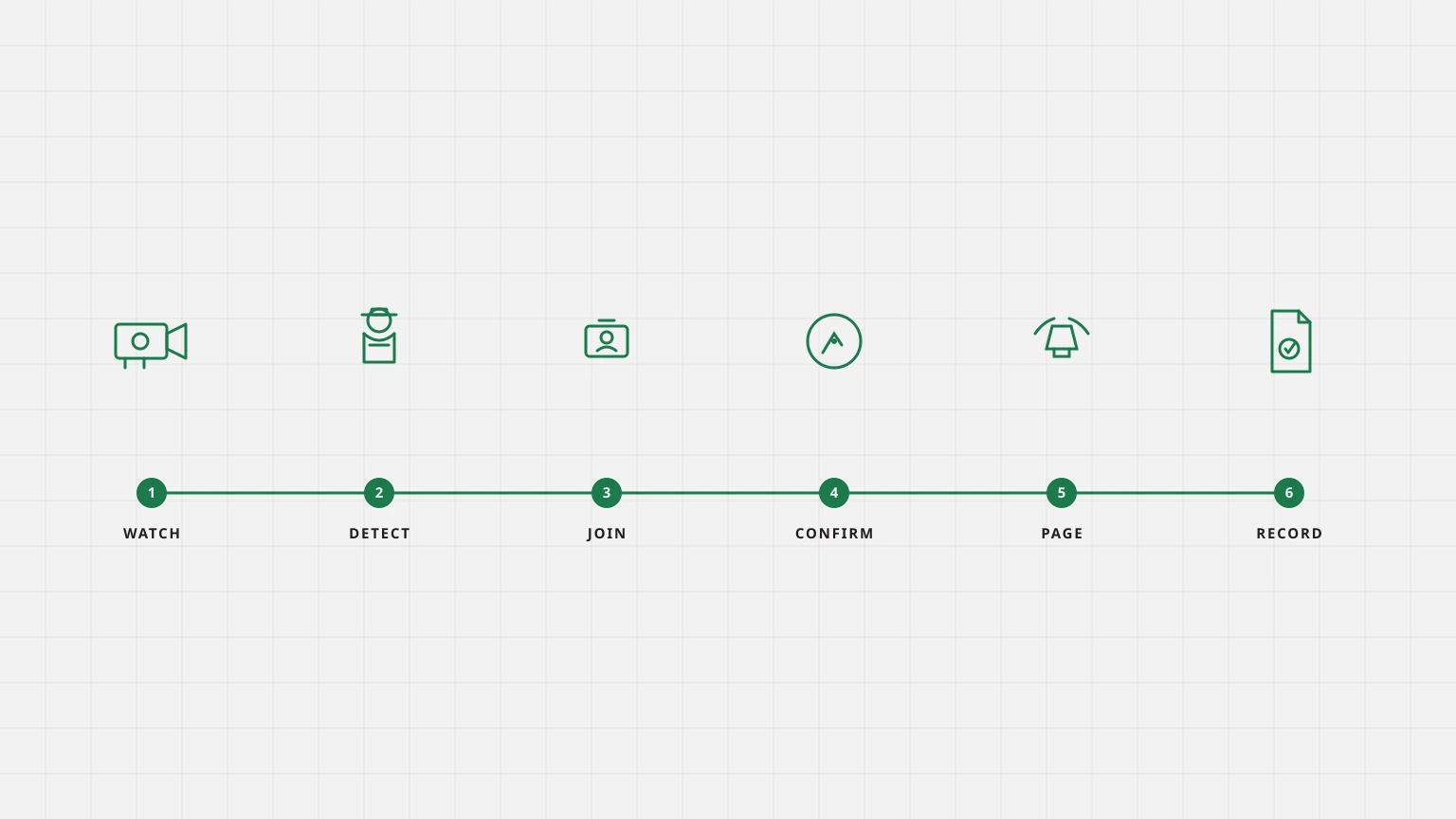
The loop is the same on a stand and on a quay. You watch the restricted area, you detect the person or the vehicle, you join the credential when you have one, you confirm the still, you page the desk, and you keep the record.
- 01 Watch
You name the stands, quays and stacks that matter. Sentinel takes a frame from the cameras that already see those bays.
- 02 Detect
A body, a missing vest or a vehicle that crossed the line becomes a candidate. The hold you set keeps a walker from becoming noise.
- 03 Join
If your access system will take a badge or a plate, Sentinel joins that record to the event. If it will not, the still still stands on its own.
- 04 Confirm
Confidence plus the sensor or credential you already run. A reviewer on the airside or quay desk can accept, dismiss or escalate. Review is optional.
- 05 Page
The people you named for that stand or quay get the still. You choose how loud that page is.
- 06 Record
The event, the still, the credential join and the review sit in one place when NCAA, NIMASA or your own board asks who was in the bay.
How it runs on your site
The appliance sits on the airport or port OT network. Airside and quay cameras stay on the operator network. The duty-officer console sees events. Air-gapped is supported. Facial recognition is off.
Questions operators ask
- Do you use facial recognition on airside?
- No. Facial recognition is off on this page and in the product. The camera reports a person in a zone. Access-control reports the badge. We do not name a face.
- Can you stop a person walking onto the apron?
- We can page when a person is inside a restricted polygon. Stopping them is the duty officer and the physical barrier. The camera does not lock a gate by itself unless you wire that action and accept the miss risk.
- Does this replace the airport security system?
- No. It sits on the cameras and access-control you already run. The security system remains the system of record for badges.
- Does ISPS apply the same way as Annex 17?
- The camera job is the same: a body in a restricted area, joined to a credential. The record the duty officer keeps is what each code asks for. We do not issue an ICAO or ISPS certificate.
- Will ANPR work in rain on the quay?
- Models are tuned for wet plates and glare. A plate that does not match the day's list is a check against the list, not a judgement of the driver.
- Where does footage live?
- On the edge appliance on the operator network. Only events, metadata and consented clips ever leave. Air-gapped is supported.
We cannot tell who a person is. Facial recognition is off. We cannot tell whether a person intends to breach security. We see location and motion. We cannot tell whether cargo is legal. That is customs and the bill of lading.
See it on your cameras
Setup in days. A measured 30-day pilot on the feeds you already run.